
Getting the best travel deals is only half the challenge. The other half is figuring out how to book a flight with Expedia so you can get to your destination. Even if you’re a first-time traveler, or if you travel a lot, the portal is simple to navigate. Regardless, there’s a trick to getting the best price and guaranteeing a flight.
Here’s a simple guide to follow regarding how to book a flight with Expedia and completing the payment.
Step 1. Starting your Flight Search
On the Expedia website or the App, choose the Flights tab.
You will need to enter:
Origin and Destination: You can enter the name of the city or the airport code, if you want to do that (for example, Los Angeles is LAX).
Dates: Mark if it’s a Roundtrip, One-Way, or if you have Multiple Cities to visit.
Travelers: Mark the number of adults and how many kids you’re traveling with.
Tip: If you want to save money, check the box that says “Add a stay,” and you can see if getting a hotel with your flight will save you money.
Step 2: Filtering and Comparing
Expedia will show you a list of flights as soon as you advertise it. Filters will show up on the left side of the screen that you can use to better delineate your flights.
You can filter by:
Steps: You can choose if you want a Nonstop flight, or if you’re okay with layovers.
Airlines: You can choose which airlines you want to fly with.
Travel Time: You can set filters to choose times that work for you.
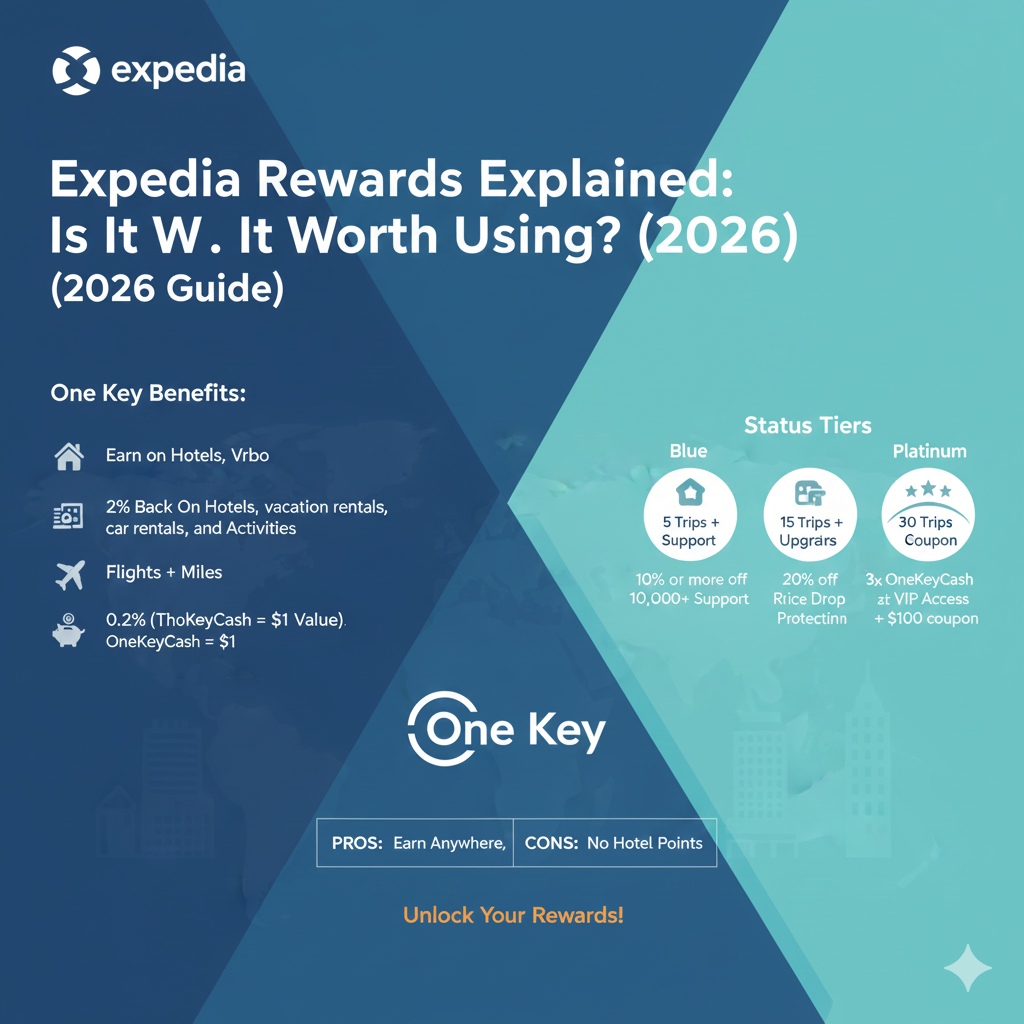
If you are a member, watch out for “One Key Cash” rewards. These are discounted to be used for future purchases.
Step 3: Select Your Flight and Review the Fare
Pick the flight that fits your planned spending. Expedia will try to sell you different “Classes” (Basic, Economy, Mains, First Class).
Note: Pay close attention to the added fees and costs before you select your flight. Basic Economy flights do not come with carry-on bags, and you won’t be allowed to select your seat. If you want those options, it is usually better to pay for extra fare now than at the airport later.
Step 4: Enter Traveler Details
You will be asked to give the full legal name (as it shows on their passport or ID) and the date of birth of each traveler. Make sure to check this. Name changes, once the reservation is made, can be complicated and expensive.
Step 5: Can You Reserve Now and Pay Later?
One of the most asked questions by beginners on how to book a flight with Expedia is whether you can keep a flight without paying.
For single flights: Most of the time, you will have to pay to get the airline ticket.
For Flight + Hotel Packages: Expedia provides the “Book Now, Pay Later” option via partners such as Affirm, which allows you to make a reservation for your trip and pay in monthly installments.
For Hotels: “Pay at Property” is a common option, but this doesn’t usually apply for the flights.
Step 6: Payment and Confirmation
You will now need to enter your card information to complete the transaction. After your payment goes through, you will be sent an Expedia itinerary and a confirmation code for the airline (this is a 6-character code that includes letters and numbers).
Post-Booking Checklist
Check Your Email: Confirm that you received a confirmation email.
Verify on the Airline’s Site: Take your airline code and go to the airline’s website. This verifies that the airline has synced with Expedia and that you have a seat.
Set a Reminder for Check-in: Most airline apps will let you check in 24 hours before the flight, so stay tuned.
These steps will help you manage the system and book your next flight with confidence.